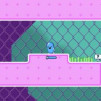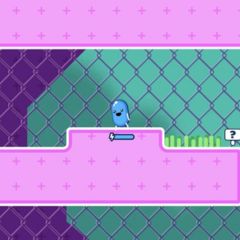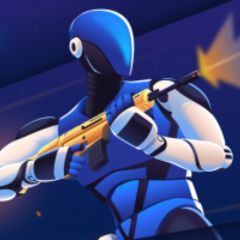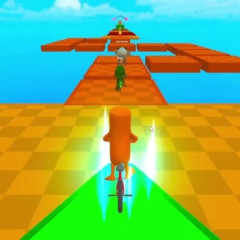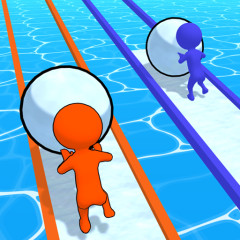
Unlock rare character skins and dominate the physics-based race in Getaway Shootout. Get the key controls, winning tips, and unblocked access here.
Strictly speaking, Getaway Shootout does not officially use the term "camo." When players search for "how to change camo," they are actually looking for Character Skins or Outfits.
You cannot customize specific clothing items or weapon camouflages. Instead, you change your entire appearance by unlocking and equipping different characters.
Player 1 (Left Side)
Player 2 (Right Side)
Tip: There are no traditional movement keys in Getaway Shootout. Your character moves by jumping left or right, making timing and momentum essential for winning races.
To change your character's look, you must first unlock new skins using the in-game currency.
Once unlocked, changing your character is simple:
Yes. In most unblocked versions of Getaway Shootout, you can unlock and equip new character skins just like in the standard browser version.
Keep in mind that your progress is usually stored in your browser's local storage rather than in an online account. If you play on a shared computer, use Incognito mode, or your school automatically clears browser data, your unlocked characters and coins may be lost.
Since Getaway Shootout does not support official cloud saves, your progress normally stays on the same browser and device where you earned it.
No. All characters in Getaway Shootout share the exact same physics, hitbox, and jump mechanics. Changing your skin is purely cosmetic.
Skins do not transfer between different websites. If you unlock a skin on the official platform and then switch to an unblocked mirror site, you will have to earn coins and unlock that character again from scratch.
If you enjoyed the chaotic physics of Getaway Shootout, you should also try House of Hazards and Rooftop Snipers, two equally fun local multiplayer games from the same developer.