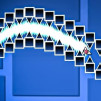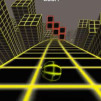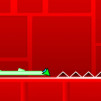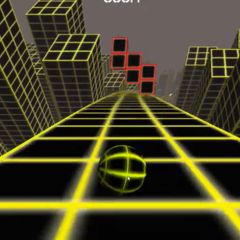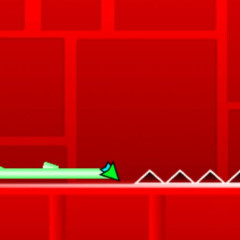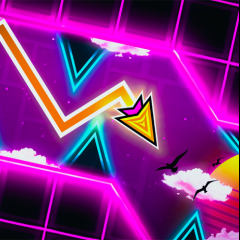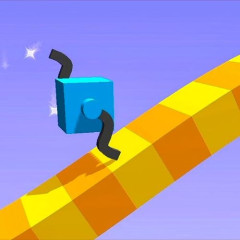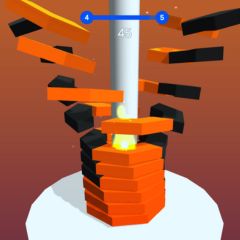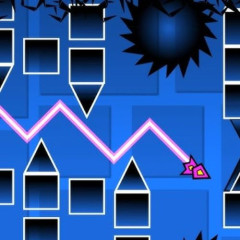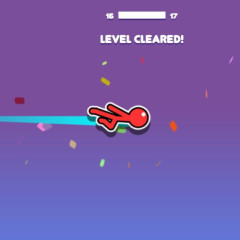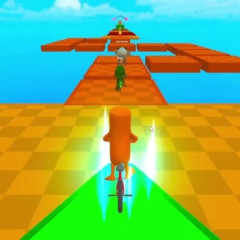
Geometry Vibes 3D is a fast-paced rhythm arcade game with 3D visuals, challenging reflexes, timing, and obstacle dodging in neon environments. The gameplay revolves around rhythm-based obstacles that move and sync with the background music, forcing players to react within split seconds as the pace gradually increases. Each level becomes more demanding as new obstacle patterns are introduced, requiring precise timing, especially in later sections where obstacle patterns become less predictable.
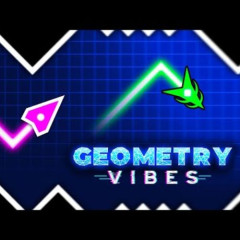
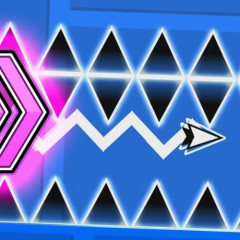
At first glance, the core controls feel almost identical to the 2D version. If you've played Geometry Vibes 2D, you'll be familiar with the zigzag arrow controls. But in the 3D version, you'll need to collect coins scattered along the way. Don't get too caught up collecting coins and forget your main objective: reaching the finish line safely!
The 3D perspective doesn't just improve visuals - it actually increases difficulty because players must judge depth and distance, especially when obstacles rotate or approach from multiple angles, which is not required in the 2D version.
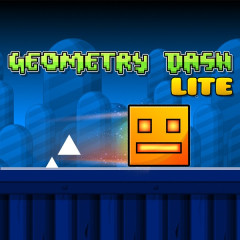
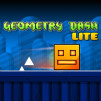
This 3D version has 3 maps for you to choose from. You can mark sections you find difficult or haven't completed with diamond icons. You can then repeat the level after you finish it. You don't need to start over; you can restart from the marked section. This feature is similar to Geometry Dash Lite. Use the Z key to mark, and the X key to delete the mark if you've already passed the difficult section you marked.
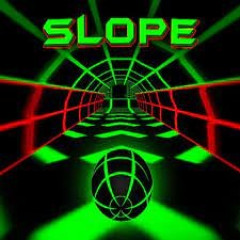
The game uses a third-person perspective, with the character hurtling straight into a tunnel, giving the feeling of flying at high speed through space. Unlike Geometry Vibes 2D, you're not looking sideways but rather moving deeper into the screen. This further enhances the sense of speed and pressure during gameplay.
Spurs, walls, platforms… can:
This creates constant pressure, as players can no longer rely on a single movement pattern like in the 2D version.
The entire interface:
Overall, the 3D interface doesn't just enhance visual appeal - it fundamentally changes how players perceive space, react to obstacles, and experience the game's difficulty.
Yes. While the controls are similar, the 3D perspective requires players to judge depth and distance. Obstacles can appear from multiple directions, which makes the game more difficult than the 2D version.
The main difference is the perspective. The 2D version uses a side-scrolling view, while the 3D version moves forward into a tunnel. This adds spatial awareness and increases gameplay complexity.
Yes. Players can mark difficult sections using diamond icons and restart from those points instead of replaying the entire level. This makes it easier to practice challenging parts.