Geometry Jump


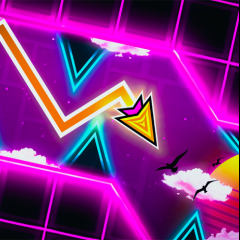
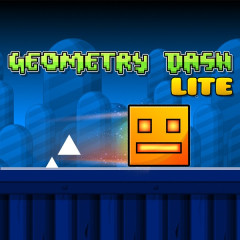








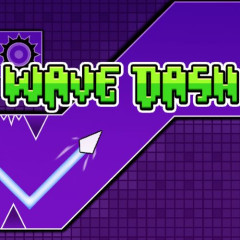

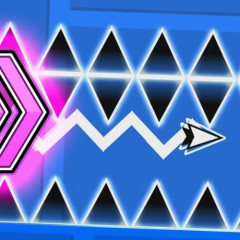
Master Geometry Jump with stable 144 FPS performance. Use buffer jumping to clear neon obstacles and top the leaderboard. Play the unblocked version for free!
Are you ready for neon blocks and pulsating EDM music to test your patience? Geometry Jump isn't just an obstacle course; it's a journey where rhythm and reflexes are intertwined. If you've ever been frustrated by a 99% failure rate, this article is for you.
What is Geometry Jump?
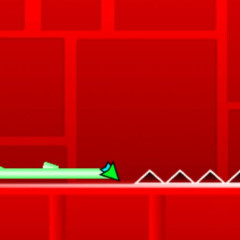
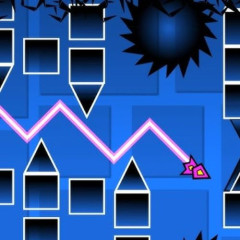
Geometry Jump is one of the most popular web-based games inspired by the legendary Geometry Dash. Players control an automatically moving block and must jump over spikes, pits, or dangerous geometric shapes.
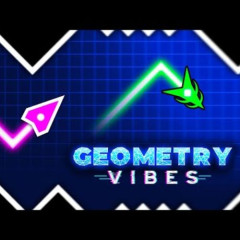
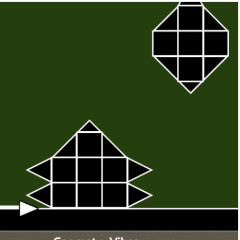
While it remains a fan favorite in our arcade section, players looking for a fresh aesthetic should also try Geometry Vibes, which offers a similar pulse-pounding experience with a different visual flair.
How to Play Geometry Jump for Beginners
Don't let simplicity fool you. With just one action, Geometry Jump demands absolute precision.
- Action: Press the left mouse button, Space key, or Up arrow key to jump.
- Mechanism: The block moves continuously. You can't stop, you can only move forward or shatter.
- Objective: Go from the starting line to the finishing line without colliding with any red obstacles.
If the linear paths of this version become too predictable, challenge your spatial awareness in Geometry Dash Maze Maps V2, where the track complexity reaches a whole new level.
Crucial Tips for Achieving a Perfect Score in Geometry Jump
Master the Rhythm
Don't just watch - listen. Each jump corresponds to the "kick" or "snare" of the EDM track. Mastering the beat allows you to clear spikes even when visual distractions are high. This rhythmic synchronization is also a core mechanic in Geometry Dash: Zrist, another must-play for fans of the genre.
Buffer Jumping Technique
In sections with many closely spaced spikes, you can hold down the jump key before the ball hits the ground. The square will automatically jump upon landing, minimizing hand reflex errors.
Optimize Your Hardware
Even a slight FPS drop can ruin a perfect run. Play in Full-Screen mode and ensure your browser is running at 60 FPS or 144 FPS. If you’ve mastered these basics and want a more intense challenge, step up to Geometry Jump 2 for even faster speeds and tighter gaps.
Why Play Geometry Jump at Space Waves?
We provide a specially optimized environment for our community:
- Mobile Support: Fine-tuned touch sensitivity for mobile browsers.
- Unblocked Access: Play smoothly at school or work without firewall issues.
- Save-Point System: Practice specific difficult sections using score flags to build muscle memory without restarting the entire level.
FAQ - Frequently Asked Questions about Geometry Jump
Is Geometry Jump different from Geometry Dash?
Yes. Geometry Jump is a browser-optimized (web-based) version for instant play, whereas the original Dash often requires installation and includes a level editor.
Why do I always die in the same place?
Your muscle memory is likely out of sync with the audio. Try using headphones to isolate the beat or take a short break to reset your focus.
How do I play Geometry Jump Unblocked?
Access the game directly through spacewaves.io. Our platform is designed to bypass typical network filters for seamless gaming.
Do I need an account to save my score?
No. Your personal records are saved automatically via your browser's local cache.