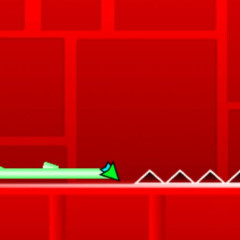
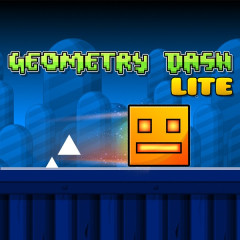
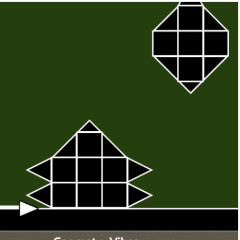
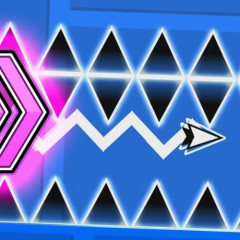
Noob in Geometry Dash is a highly challenging arcade reflex game that relies heavily on rhythm, distance, and muscle memory. If you keep bumping into spikes or falling into holes, apply these rhythm and control tips to overcome the challenges more easily!
Understanding Jumping and Gravity Mechanisms in Noob in Geometry Dash
- Tap and jump instantly: The game responds almost immediately when you press a key.
- The jump height is fixed: Whether you hold down the key or press lightly, Noob will always jump the same height and distance.
- Be proactive with each press: Avoid unnecessary Geometry Dash Spam. You must time your next press precisely when Noob hits the ground or is about to hit an obstacle.
Controls in Noob in Geometry Dash
- PC: Space, ↑, W, or left mouse button.
- Mobile: Touch the screen.
- Cube: Each press = one jump.
- Ship: Hold to fly up, release to land.
- Ball: Each press reverses gravity.
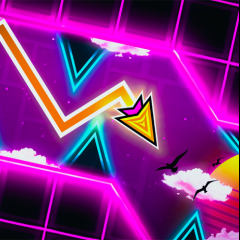
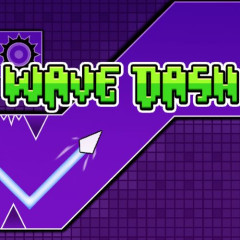
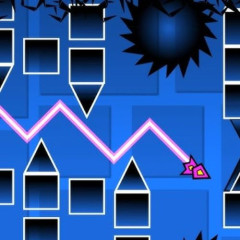
- Wave: Hold to go up diagonally, release to go down.
- UFO: Each press creates a bounce.
Controlling Transformation Modes
Each time you pass through a transformation gate, Noob's movement will completely change. You need to adjust your key presses accordingly:
Cube Mode:
- Movement: Jump in a fixed arc.
- Tip: Absolutely do not spam key presses. Press each key precisely and at the right time.
Ship Mode:
- How to move: Press and hold the button to fly up, release to descend.
- Tip: Use a short, continuous click-and-release technique to keep the ship moving horizontally and stably, avoiding it soaring to the ceiling or crashing to the ground.
Ball Mode:
- Movement: Each time you press a button, the ball's gravity will instantly reverse.
- Tip: Practice pressing the buttons at the right time so the ball glides smoothly between the ceiling and floor without hitting any traps.
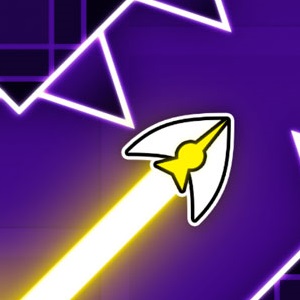
Rocket Form:
- Movement: Fly diagonally upwards while holding the key, and diagonally downwards when releasing the key.
- Tip: Keep your hand relaxed, and click and release quickly and sharply to maneuver through tight corners or steep inclines.
Advanced Tips from Experienced Players
- You should prioritize using the Space key or Up Arrow key instead of the mouse, as keyboard input feels more comfortable and allows for better rhythm during extended gameplay.
- Use the Practice mode with respawn points to practice difficult sections instead of trying to complete the entire level from start to finish.
- Every level in this arcade classic has a fixed structure. Each failure helps you remember trap locations, allowing your fingers to automatically react in subsequent plays to match the game's Geometry Vibes.
- Make sure to close unnecessary applications or browser tabs. A smooth frame rate (60 FPS) will minimize lag.