Geometry Dash 3D


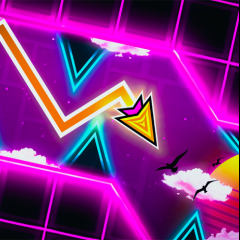
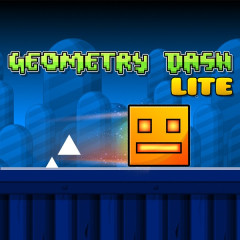




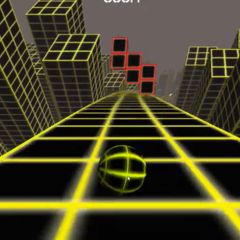
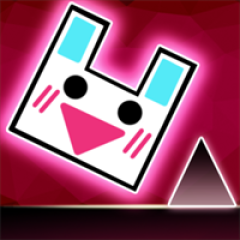
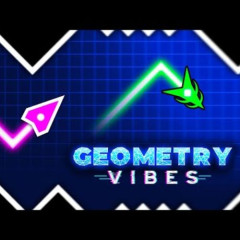

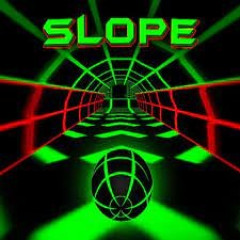
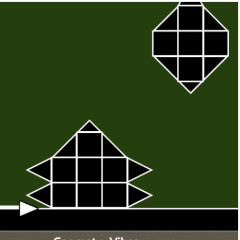

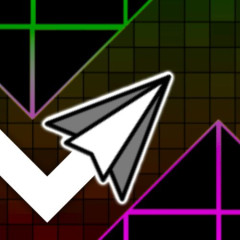
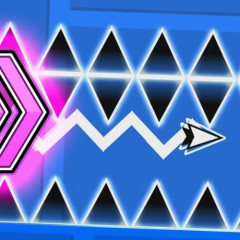


Discover Geometry Dash 3D with its smooth gameplay and a series of thrilling levels. Do you have the confidence to conquer the most difficult levels?
Introduction to Geometry Dash 3D
Geometry Dash is one of the most popular rhythm-based action games in the world, known for its simple controls but extremely challenging gameplay. The 3D version of Geometry Dash takes the experience to a new level by introducing depth, perspective changes, and more complex movement control.
In this game, players control a constantly moving icon that must pass through dangerous obstacles. The main objective is simple: jump, fly, or switch gravity at the perfect timing to survive and reach the end of each level.
Core Controls and Gameplay Mechanics
Understanding controls is the first step to mastering Geometry Dash 3D.
Basic Controls
- Tap / Click: Jump
- Hold: Maintain flight (in flying modes)
- Release: Descend or reduce altitude
Unlike traditional platformers, success depends less on movement freedom and more on perfect timing and rhythm synchronization.
Game Modes in Geometry Dash 3D
Each game mode changes how the player interacts with the environment. Mastering all modes is essential.
Cube Mode
The simplest mode where players jump over obstacles.
- Common mistake: jumping too early due to panic.
- Pro tip: always look ahead, not at your character.
Ship Mode
Hold to fly upward, release to descend.
Challenge: controlling smooth altitude in tight spaces.
Pro tip: use short, controlled taps instead of holding constantly.
Ball Mode
Tap to switch gravity instantly.
Challenge: confusing direction in 3D space.
Pro tip: focus on the path rather than your icon.
UFO Mode
Each tap creates a fixed jump.
Challenge: no continuous flying control.
Pro tip: time taps strictly with music beats.
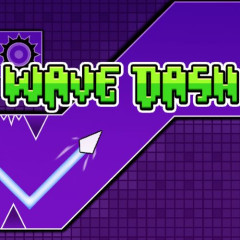
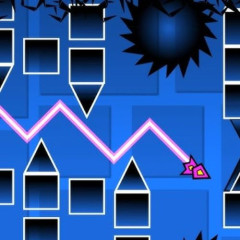
Wave Mode
One of the hardest mechanics in the game.
Hold = move upward diagonally
Release = move downward diagonally
Pro tip: build muscle memory and avoid nervous hand movement.
Robot & Spider Modes
Robot: variable jump height depending on hold duration
Spider: instant gravity switching
Pro tip: learn these in small segments instead of full levels.
IV. Winning Strategies for Geometry Dash 3D
Play with the Music, Not Just Vision
The game is designed around rhythm. Every obstacle is aligned with the beat.
Pro players rely on sound cues more than visual reaction.
Learn Patterns Instead of Reacting Randomly
Each level follows a predictable structure.
Training method:
- Repeat sections multiple times
- Memorize obstacle sequences
Use Segment Training
Do not practice full levels repeatedly.
Instead:
- 0–30% section practice
- 30–60% section practice
- 60–100% final section practice
Maintain Mental Stability
Frustration leads to poor timing.
Take short breaks after repeated failures to reset focus.
Optimize Your Setup
- Use headphones for better rhythm tracking
- Ensure smooth FPS for consistent timing
- Reduce distractions during gameplay
Why Geometry Dash 3D is Harder Than 2D
Compared to the original version, Geometry Dash 3D is significantly more difficult because:
- Depth perception makes distance estimation harder
- Camera perspective changes frequently
- Portals cause sudden gameplay shifts
- Reaction timing must be more precise
This is why many players struggle even after mastering the 2D version.
FAQ
Is Geometry Dash 3D harder than the 2D version?
Yes. The 3D perspective increases difficulty in timing and spatial awareness.
Can beginners play Geometry Dash 3D?
Yes, but it is recommended to start with easier levels to understand timing and rhythm.
Which mode is the hardest?
Wave Mode is generally considered the most difficult due to its precise control requirements.