Geometry Dash Lite 3D


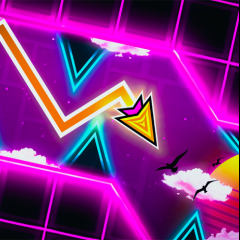


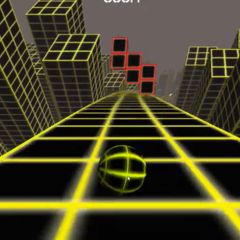


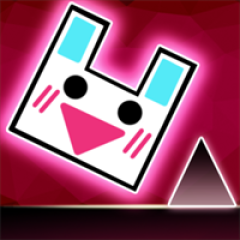
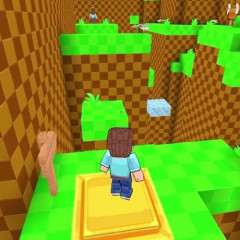
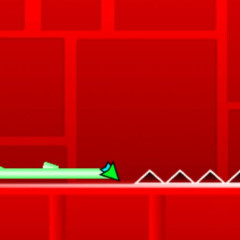
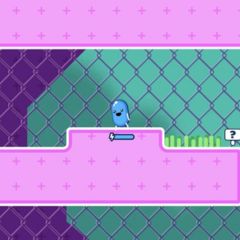
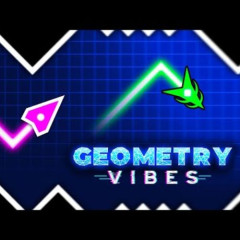

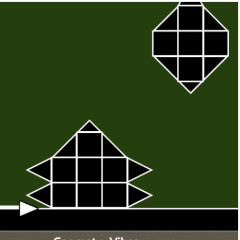

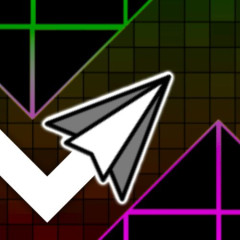
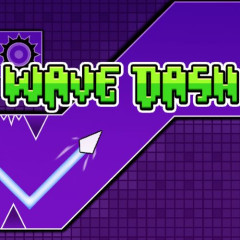

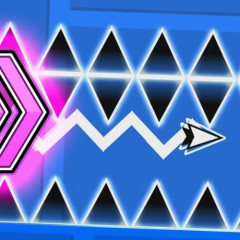

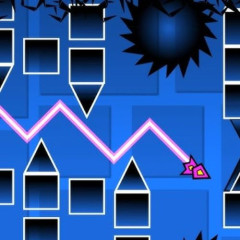
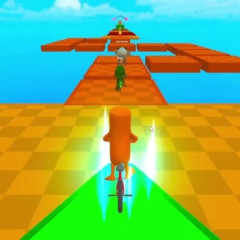
Geometry Dash Lite 3D brings a fresh perspective to the classic rhythm platformer series by fusing intense arcade-style gameplay with a vibrant 3D world. Thanks to its 3D spatial perspective and glowing neon lighting effects, the game delivers an incredibly captivating visual illusion. However, true to its hardcore arcade roots, the depth of space makes timing more challenging than ever – one misjudged jump and you have to start all over again!
1. Basic Gameplay & Control Guide for Geometry Dash Lite 3D
The ultimate goal is to safely guide the Cube to the finish line. However, your character will automatically move forward at an increasing speed and cannot be stopped.
On PC
- Spacebar / Left mouse button / Up arrow key: Perform a single jump or fly-like maneuver.
- Hold key: Continuously jump or maintain altitude while in Ship/UFO mode.
On mobile: Tap directly anywhere on the screen.
All obstacles (spikes, blocks, moving traps) are designed to perfectly match the background music. To master the game, listen to the rhythm instead of just looking.
2. Tactics for Using Practice Mode to "Carry" Difficult Levels
In Normal Mode, even a small mistake will force you to start over from the beginning. But in Practice Mode, you can conquer each small section of the level without worrying about interrupting your enjoyment.
How to Activate Practice Mode
- Pause the match.
- Tap the green Gem icon.
Tips for Optimizing Checkpoints
In a 3D environment, too many automatic checkpoints can cause you to respawn right in front of an obstacle and get crushed repeatedly.
- Disable Auto-Checkpoints: Go to settings and turn off the automatic checkpoint placement feature.
- Manually Place Checkpoints:
- PC: Z Key | X Key.
- Mobile: Use the dedicated buttons on the screen.
- Practical tip: Only place checkpoints in flat, safe areas before entering the complex obstacle course.
3. Practical Tips for Muscle Memory Training
- Wear headphones while playing: Music is your "compass." A pounding bass beat often signals a series of consecutive jumps.
- Observe 3D depth: Because 3D perspectives have shadows, focus on the base of the cube to accurately determine your landing position instead of looking at the space above.
- Break down the difficulty: Use Practice Mode to master the last 20% of the level first, then return to conquer the entire level in Normal Mode.
FAQs
Can Geometry Dash Lite 3D be played on a phone?
Yes. The game runs smoothly on both PC browsers and mobile devices (Android & iOS) with smooth touch controls.
How to overcome disorientation in 3D space?
You should slightly reduce screen brightness and focus your gaze on the center of the character. After a few tries in Practice Mode, your eyes will adjust to the depth of the map.
What is the difference between the regular and 3D versions of Geometry Dash Lite?
The 3D version adds depth effects, flexible camera angles, and more complex reflective Neon graphics, requiring better distance estimation skills than the traditional 2D version.